
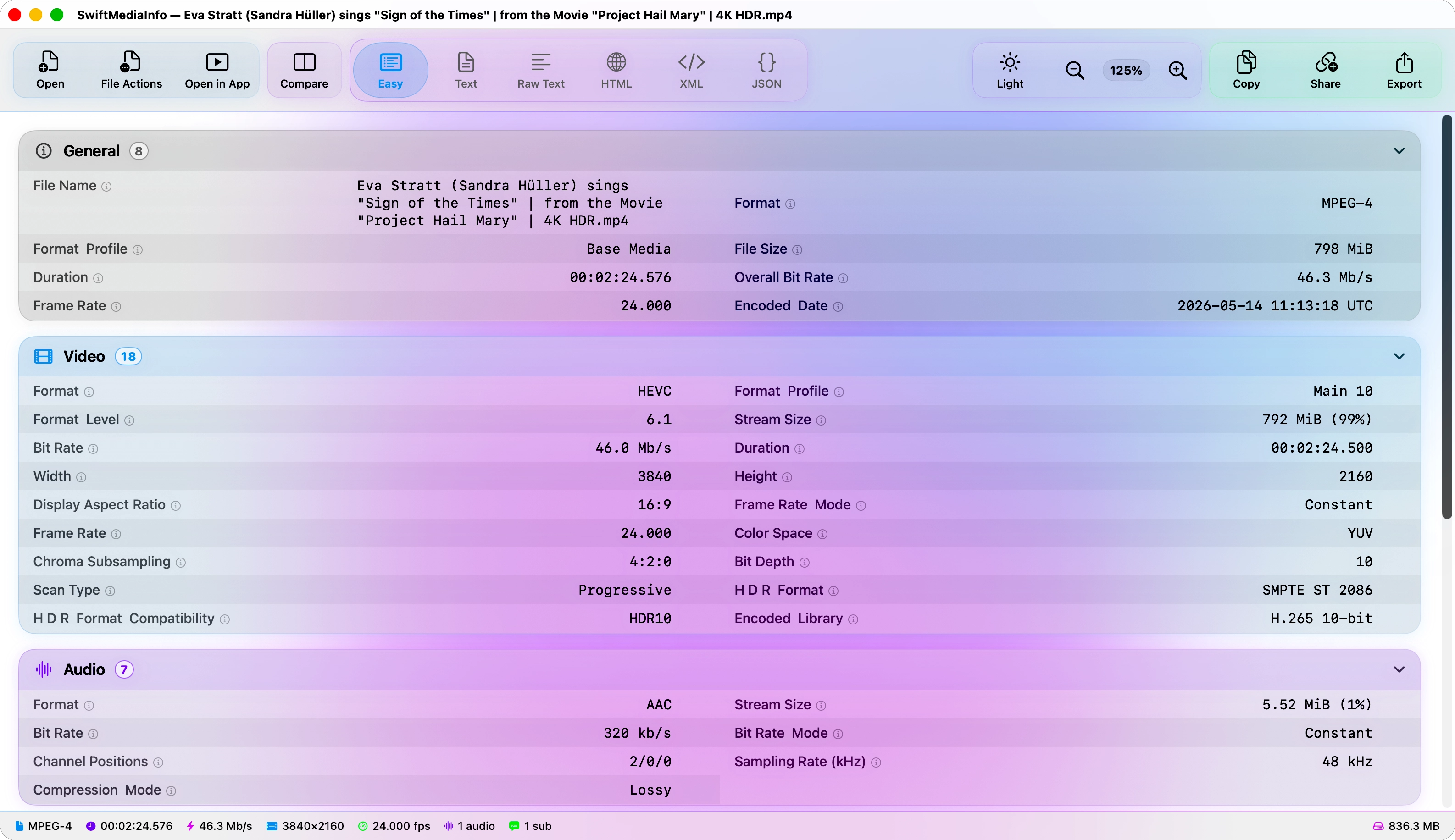
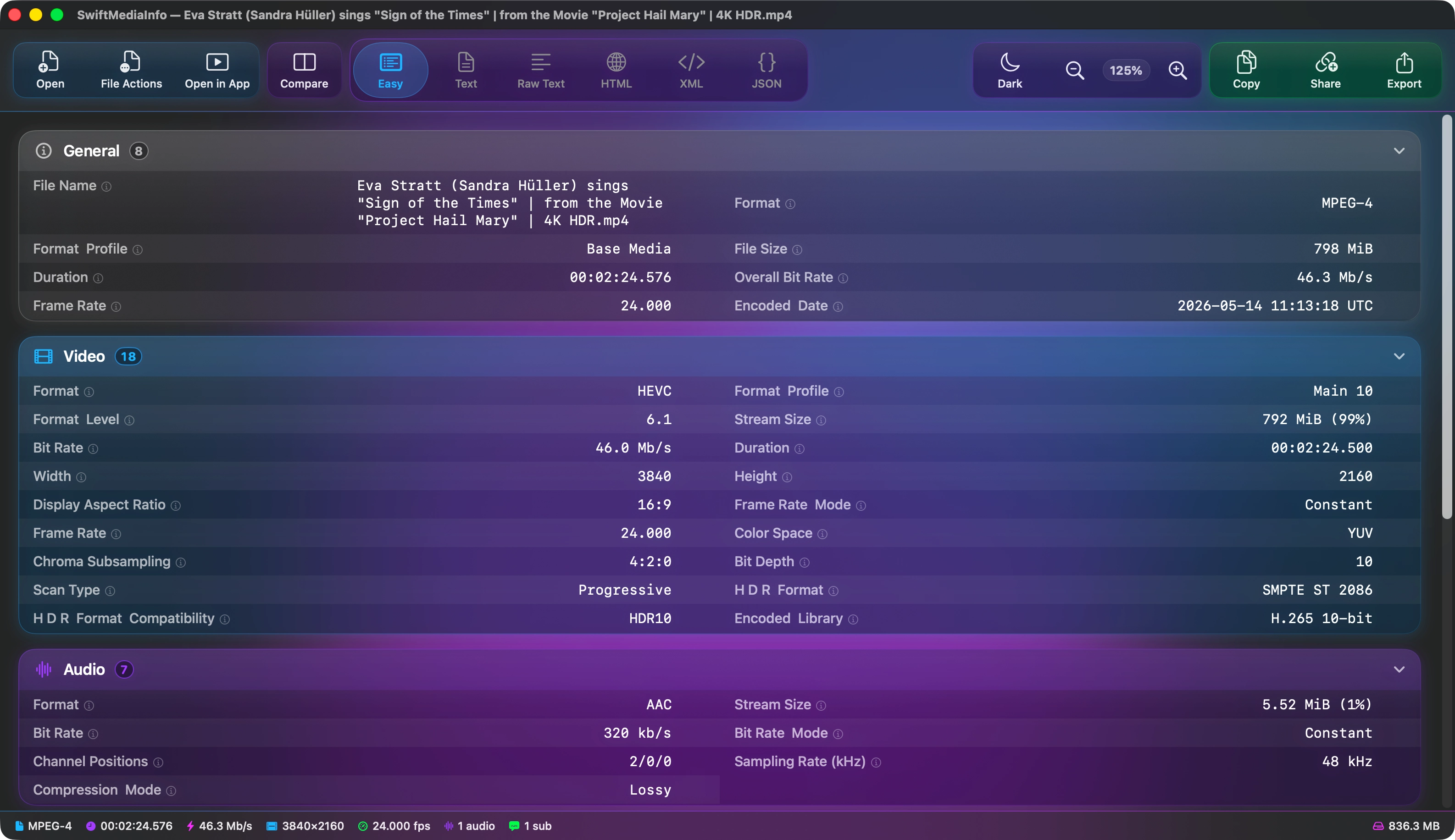
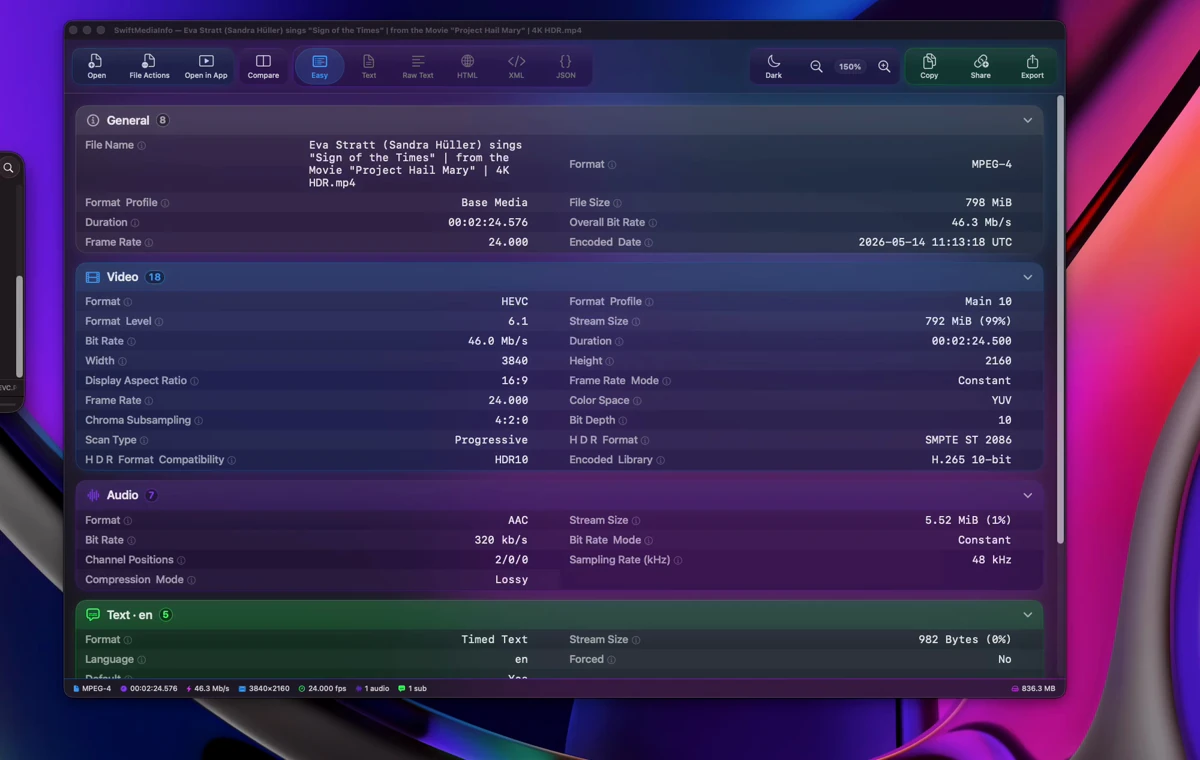
Every field, readable.
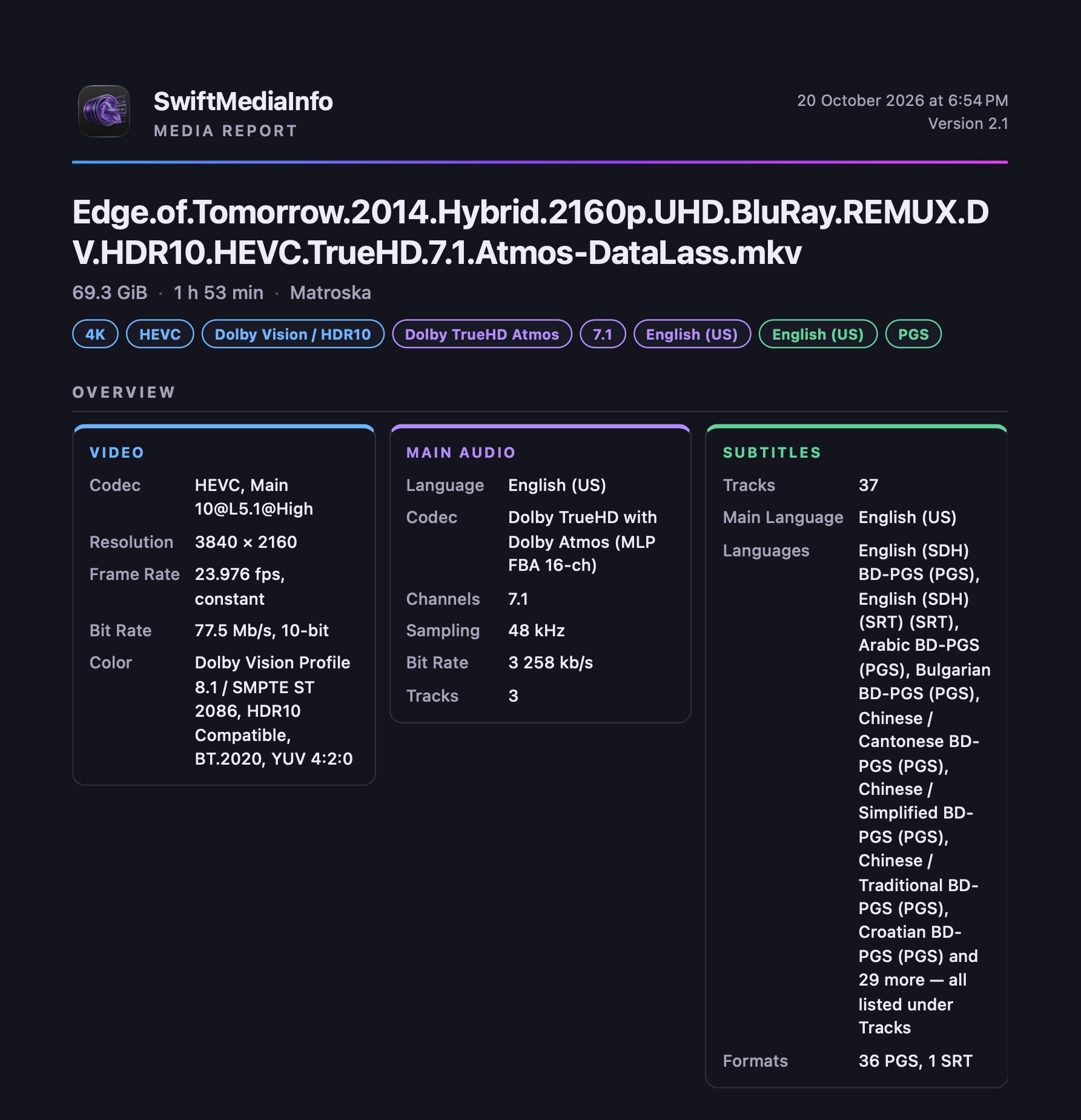
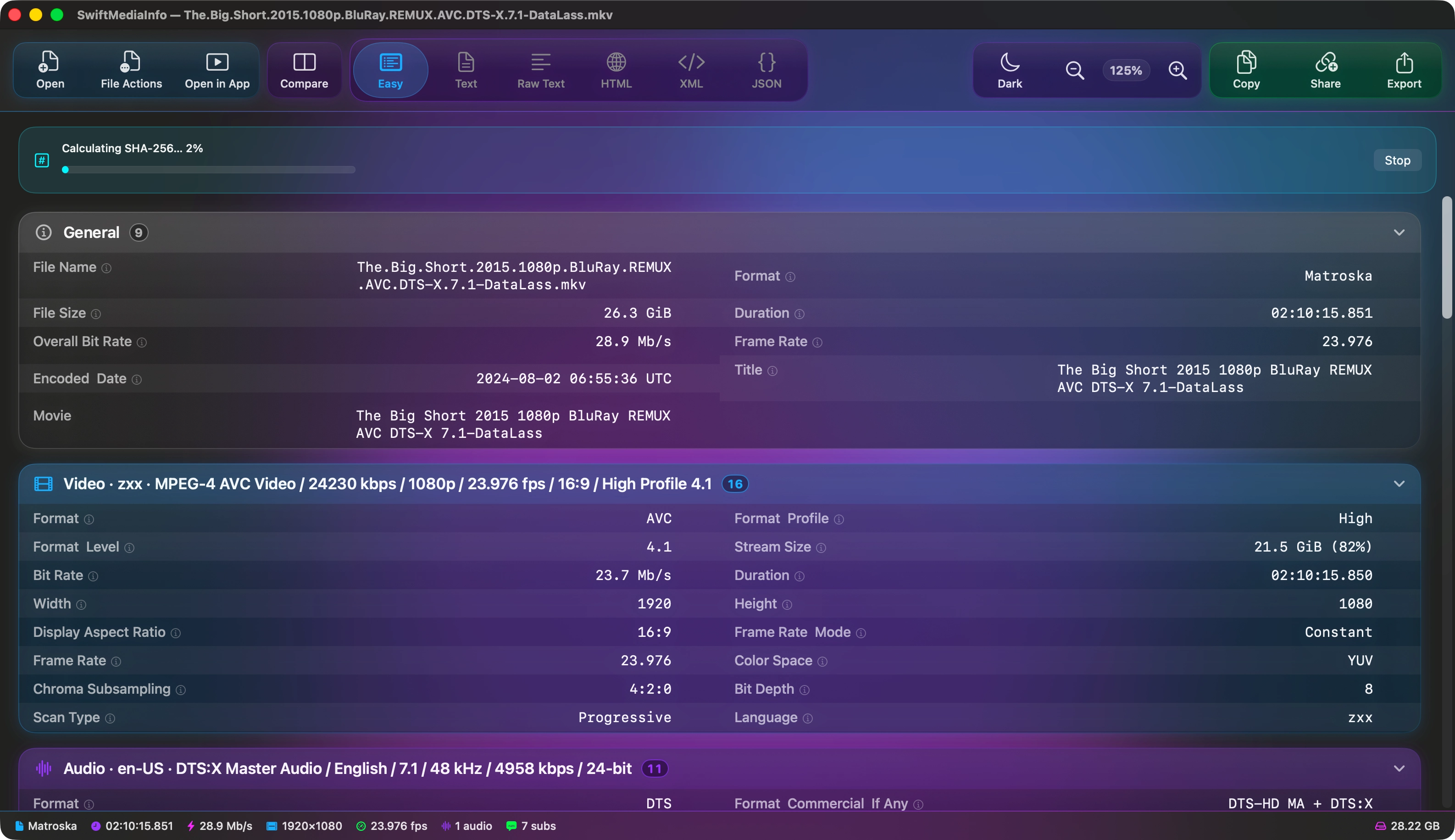
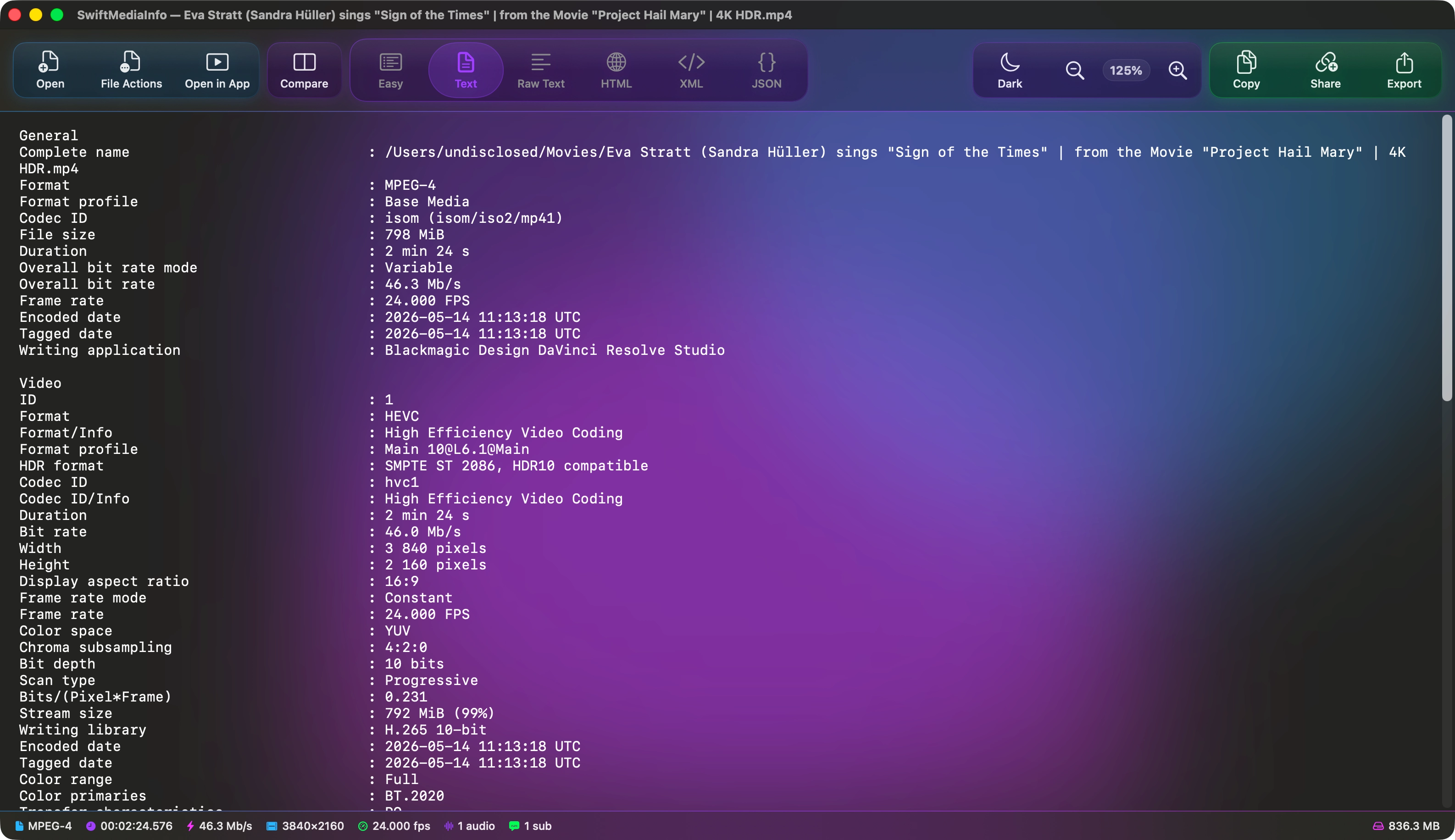
MediaInfo reports hundreds of fields per file. SwiftMediaInfo sums the file up at the top, groups the rest by track, aligns the values in a monospaced column, and explains the ones nobody remembers.
Summed up, then grouped
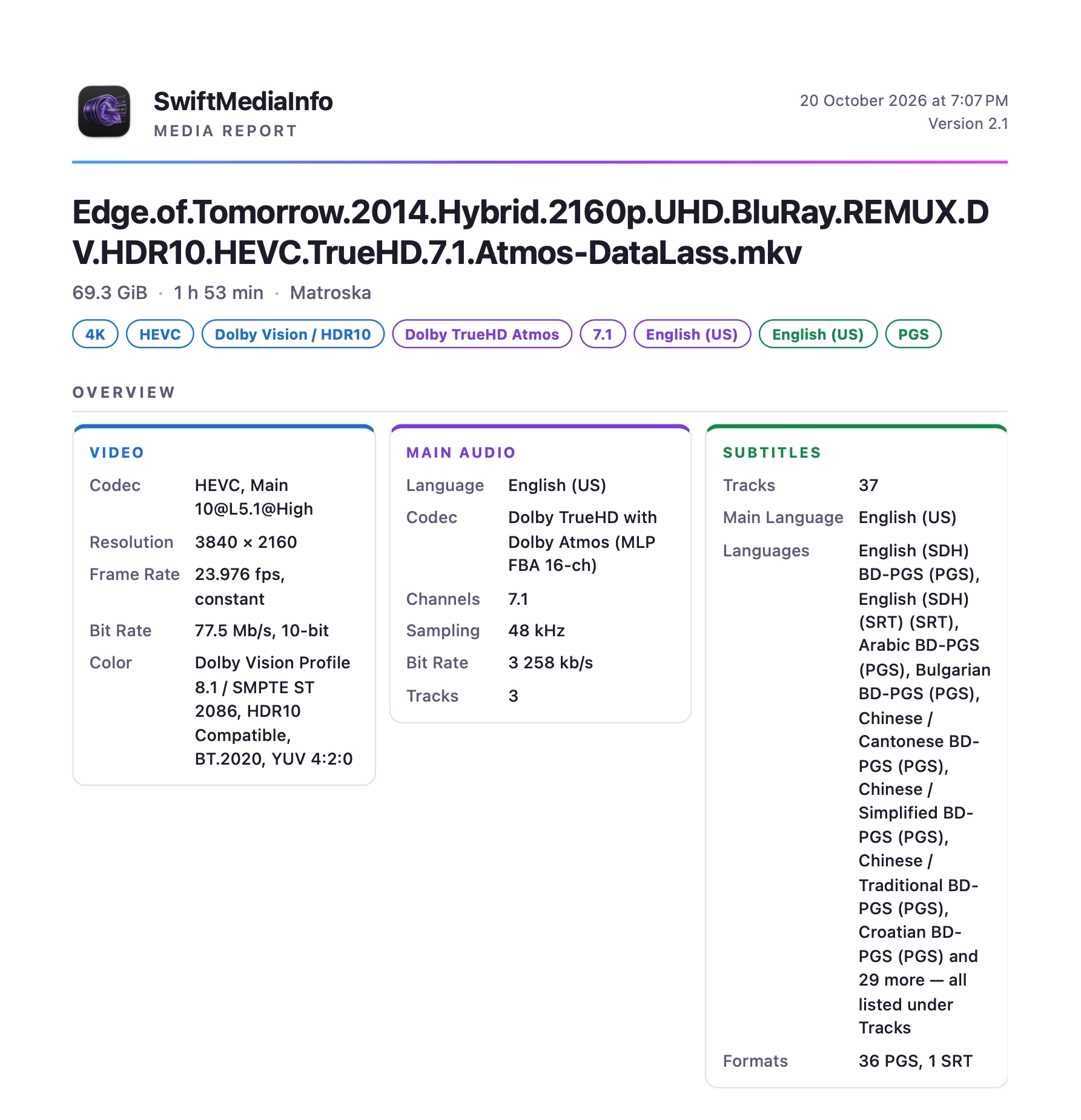
An Overview card gives the video, main audio and subtitles at a glance. Below it, every track has its own card, collapsible when you want the rest out of the way.
Plain-language notes
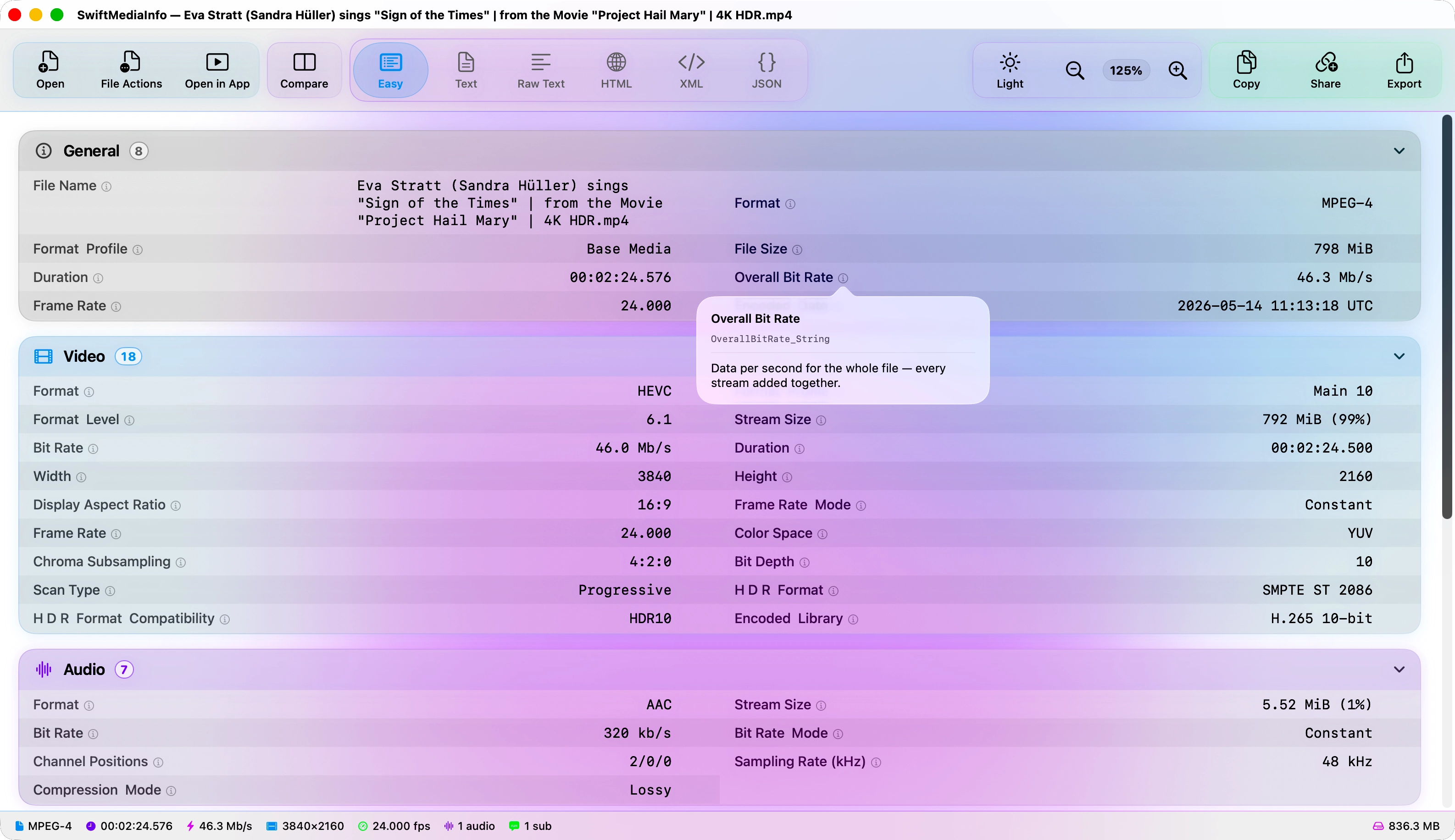
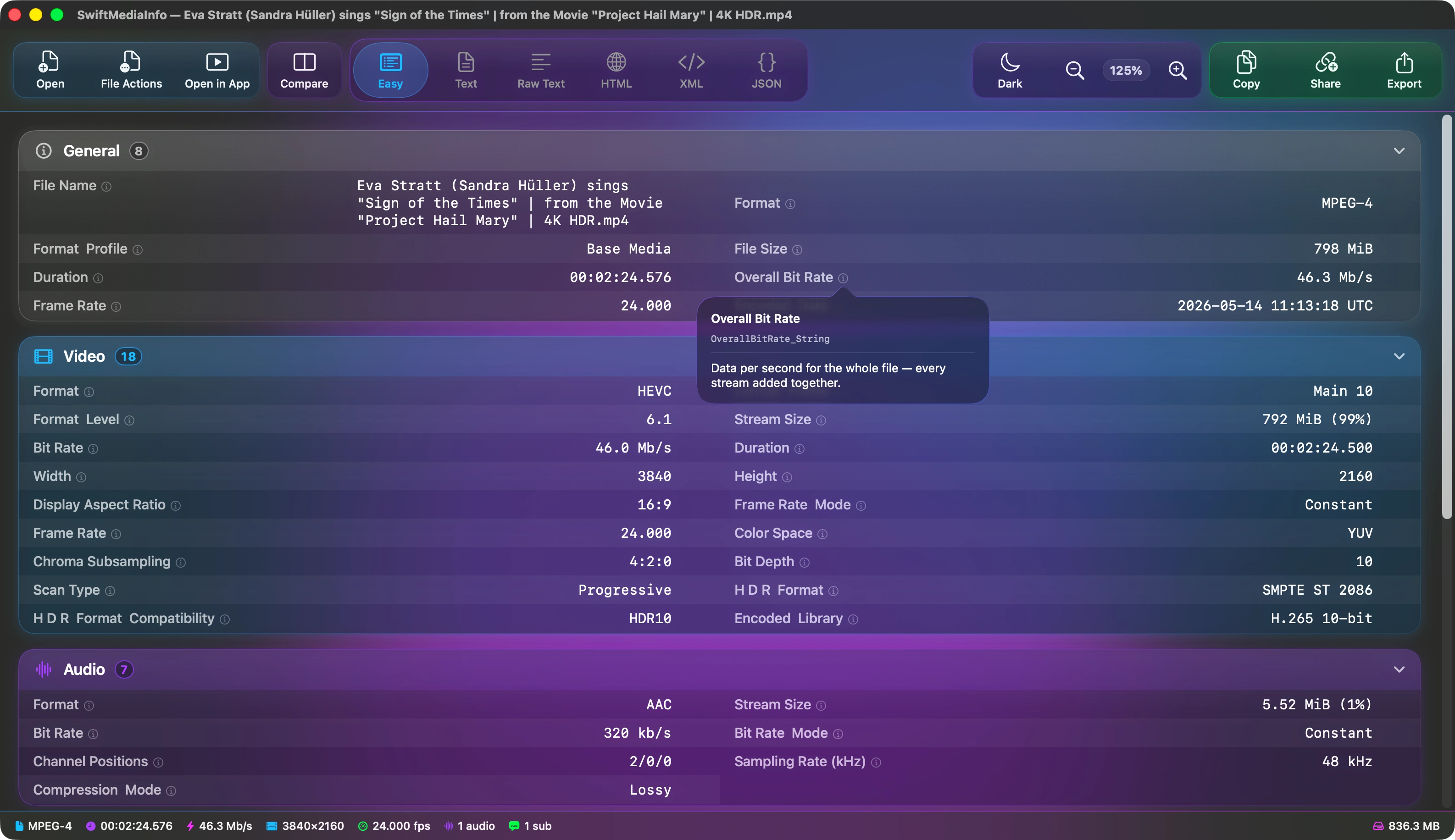
Seventy fields carry an explanation. Hover the marker for a quick read, or click to keep it open.
Six ways to read it
Easy View, Text, Raw Text, HTML, XML and JSON. The same analysis, in whichever form you need.
New in 2.1
The biggest update so far. These are the headlines; the features page has everything, and the changelog has every change.
Tabs
- Every file in a tab of its own, Safari-style
- A folder opens as one tab, with its media files listed beside the report
- Star a tab to keep it in Favorites
Compare, rebuilt
- File A and File B are two of your open tabs
- ⌘-click a tab, or right-click it and choose Compare With
- Drop two files at once and they open side by side
Media Health
- One click checks a file for common problems
- Missing streams, duplicate track IDs, variable frame rate, HDR metadata, language tags and duration mismatches
- Every warning says what it means and what to do
Preview
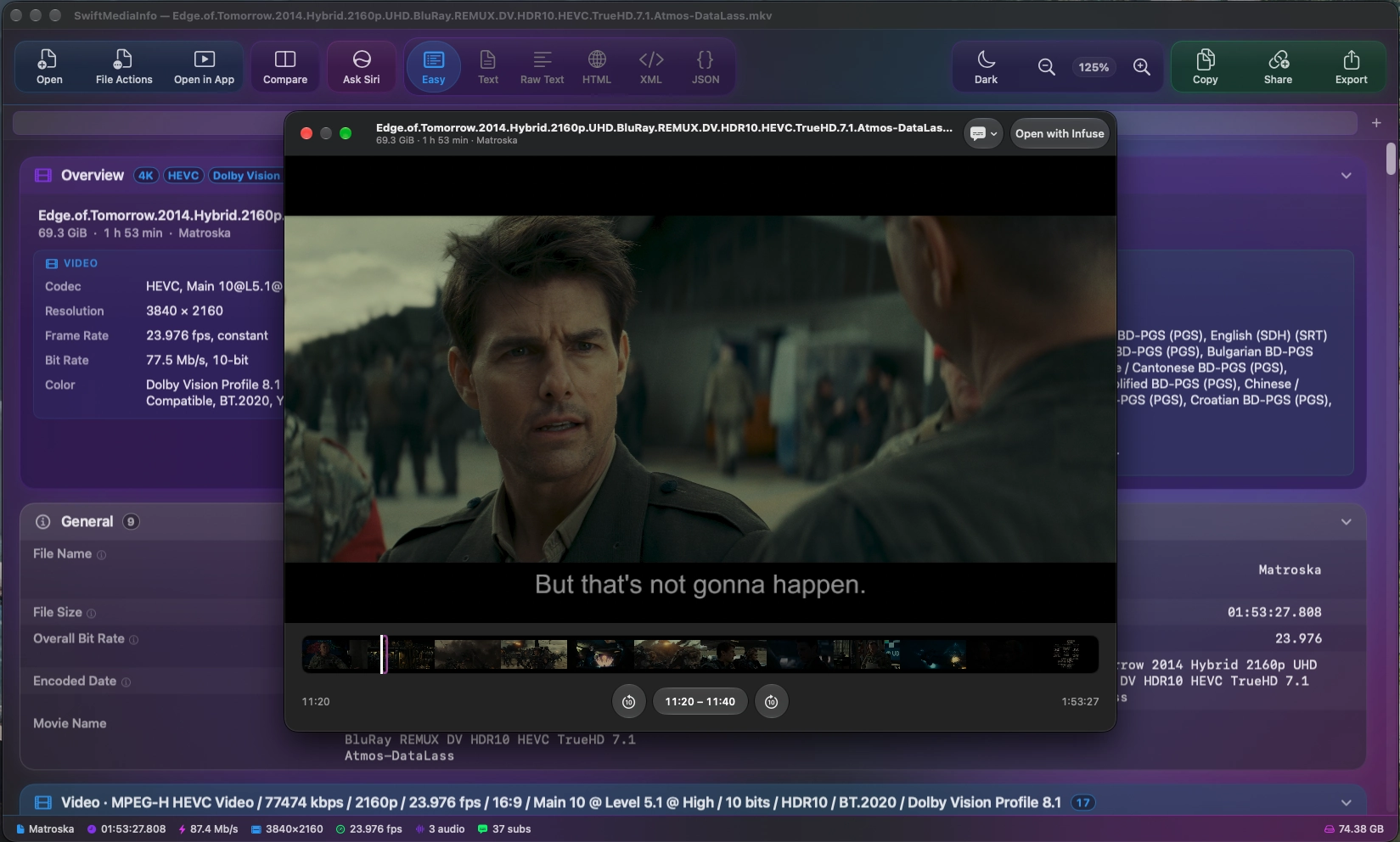
- Press Space to preview the file, as in Finder
- MKV and other formats macOS can't play open as clips, with every subtitle track — Blu-ray PGS included
- A filmstrip of the whole file to jump around in
Siri AI
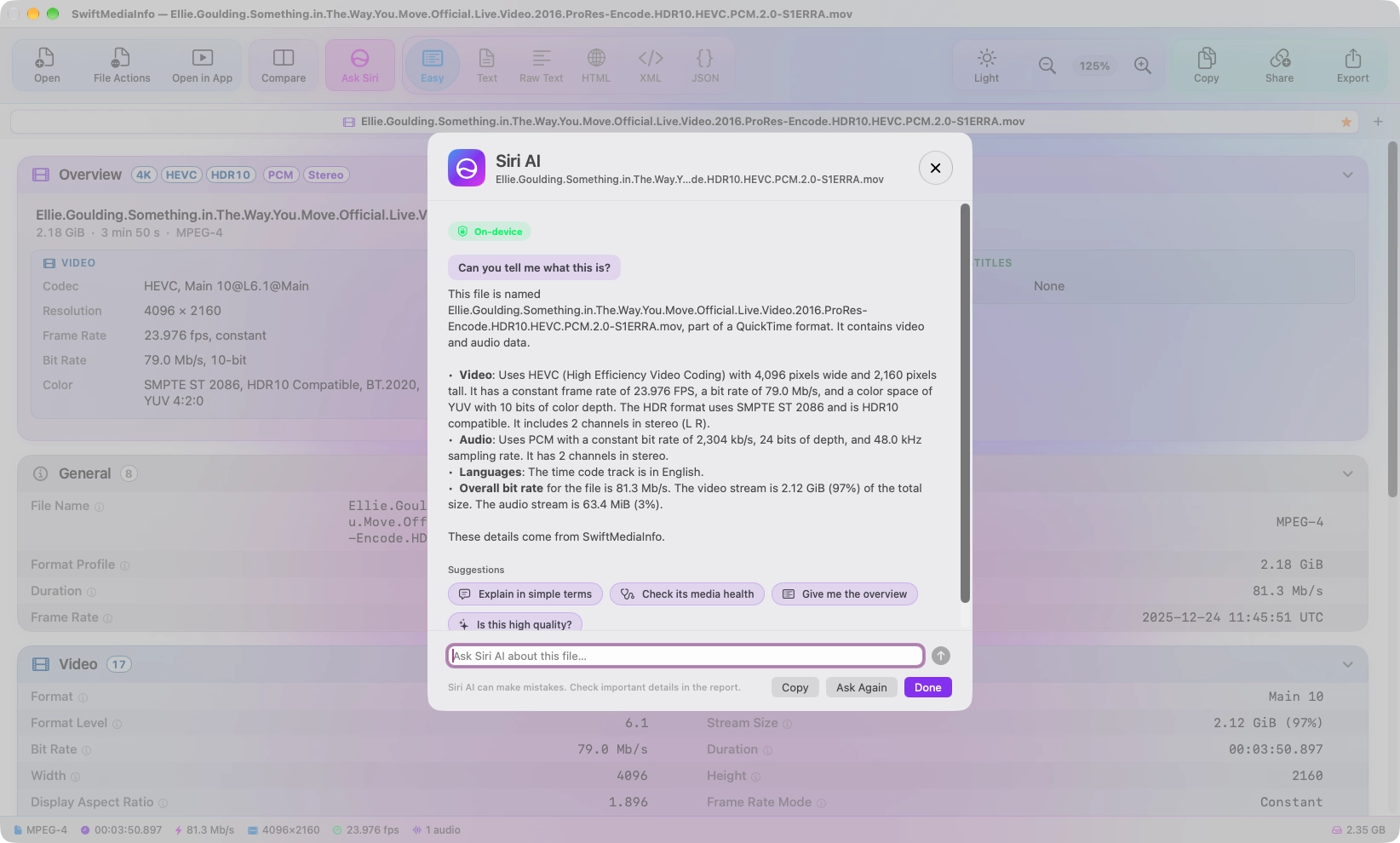
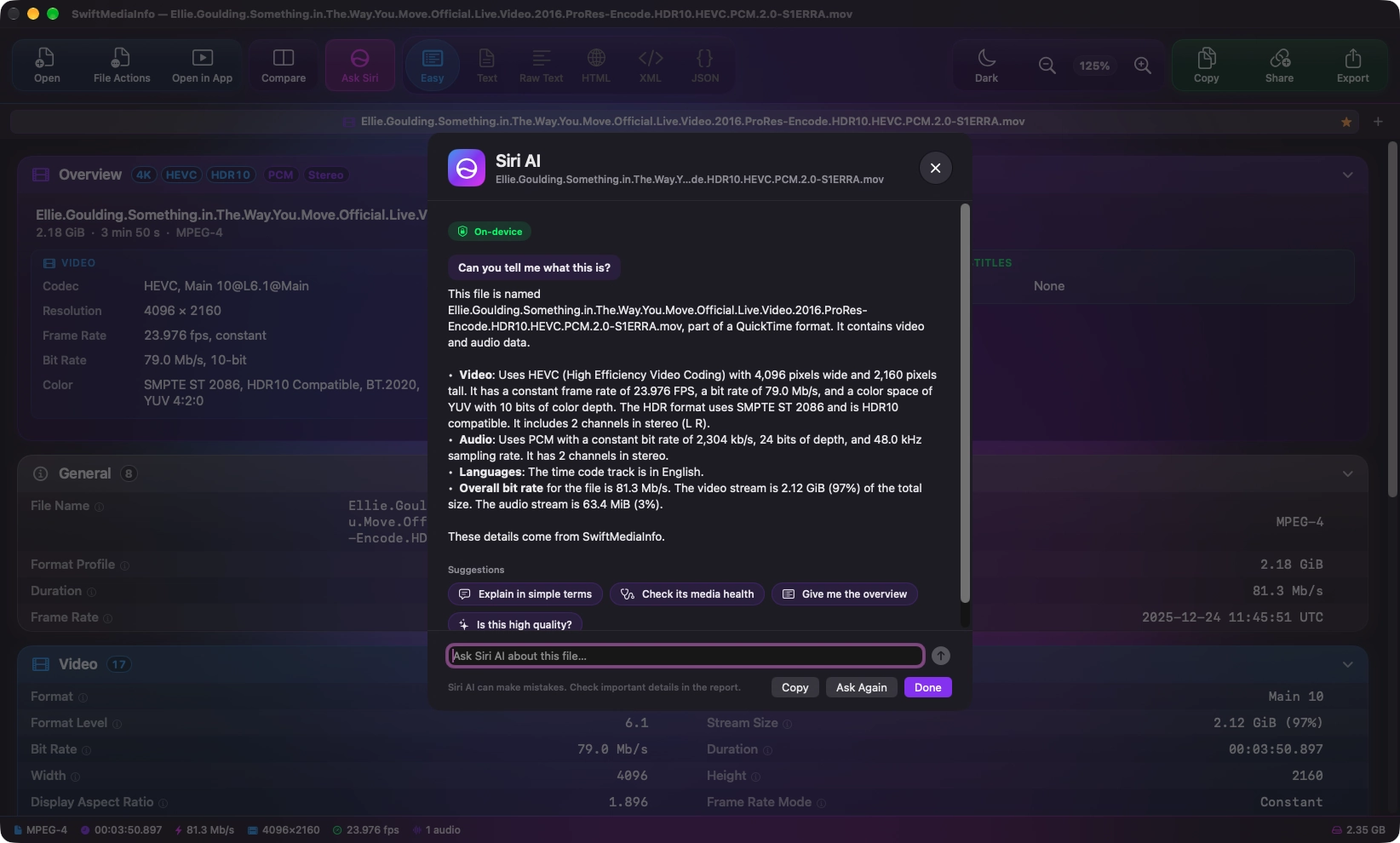
- Ask what a file is, whether it is healthy, or which of two copies is better
- Answered on your Mac by Apple's on-device model — nothing is sent anywhere
- On Macs with Apple Intelligence, running macOS 27 or later
Reports
- New PDF and Markdown exports, eight formats in all
- Share an HTML or PDF report as a web page
- You decide whether file paths and the checksum go with them
See what changed.
Open two files side by side. Every field that differs is marked, and a summary lists the differences so you can jump straight to the one you were looking for.
Drop the second file.
Hold Option while dragging onto an open file and it opens as the comparison, without leaving the window. A control on the divider exchanges the two sides.
Take the result with you.
Export either file's report, or both together, in any of the eight formats — PDF and Markdown among them — or as a single archive containing all of them.
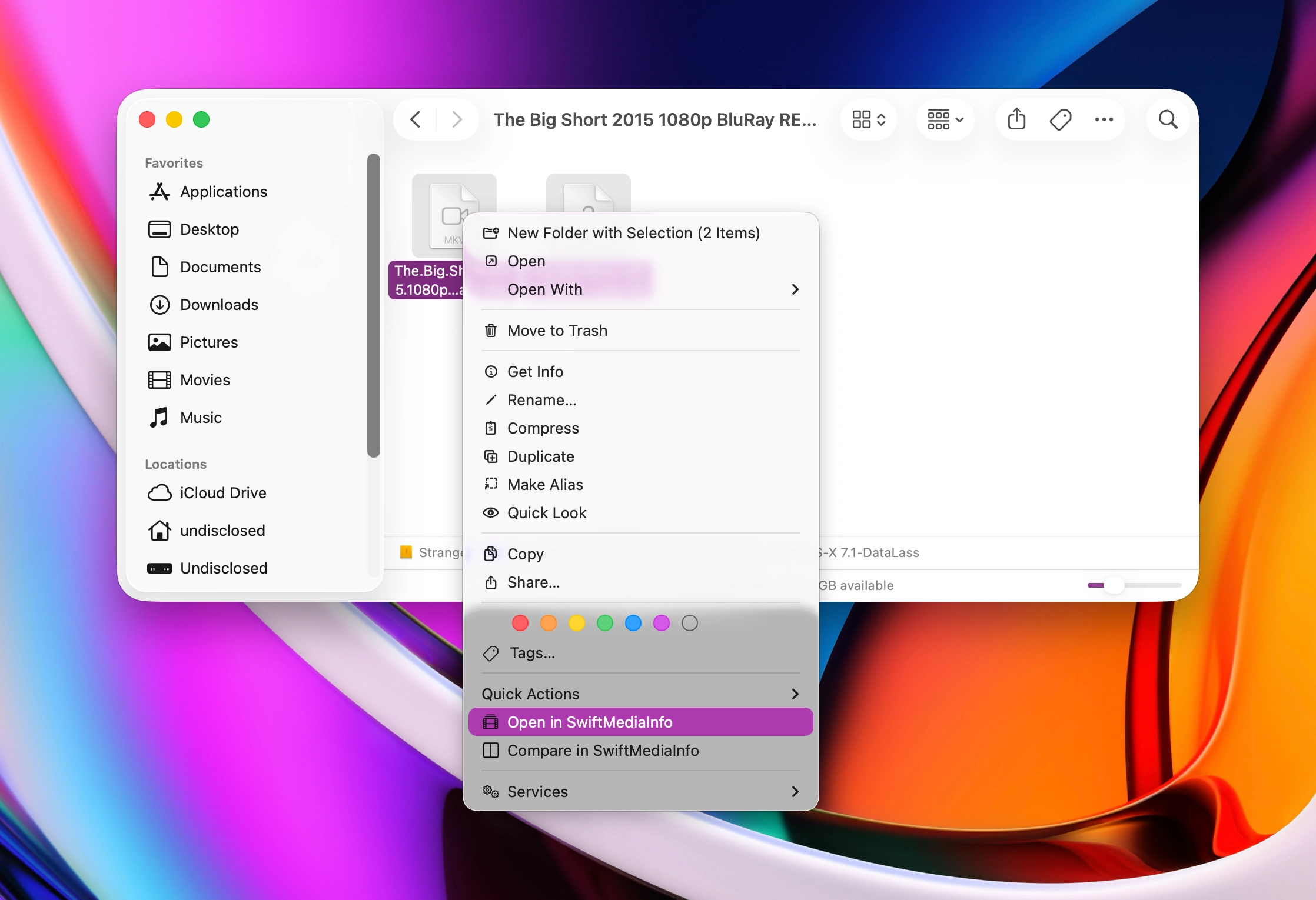
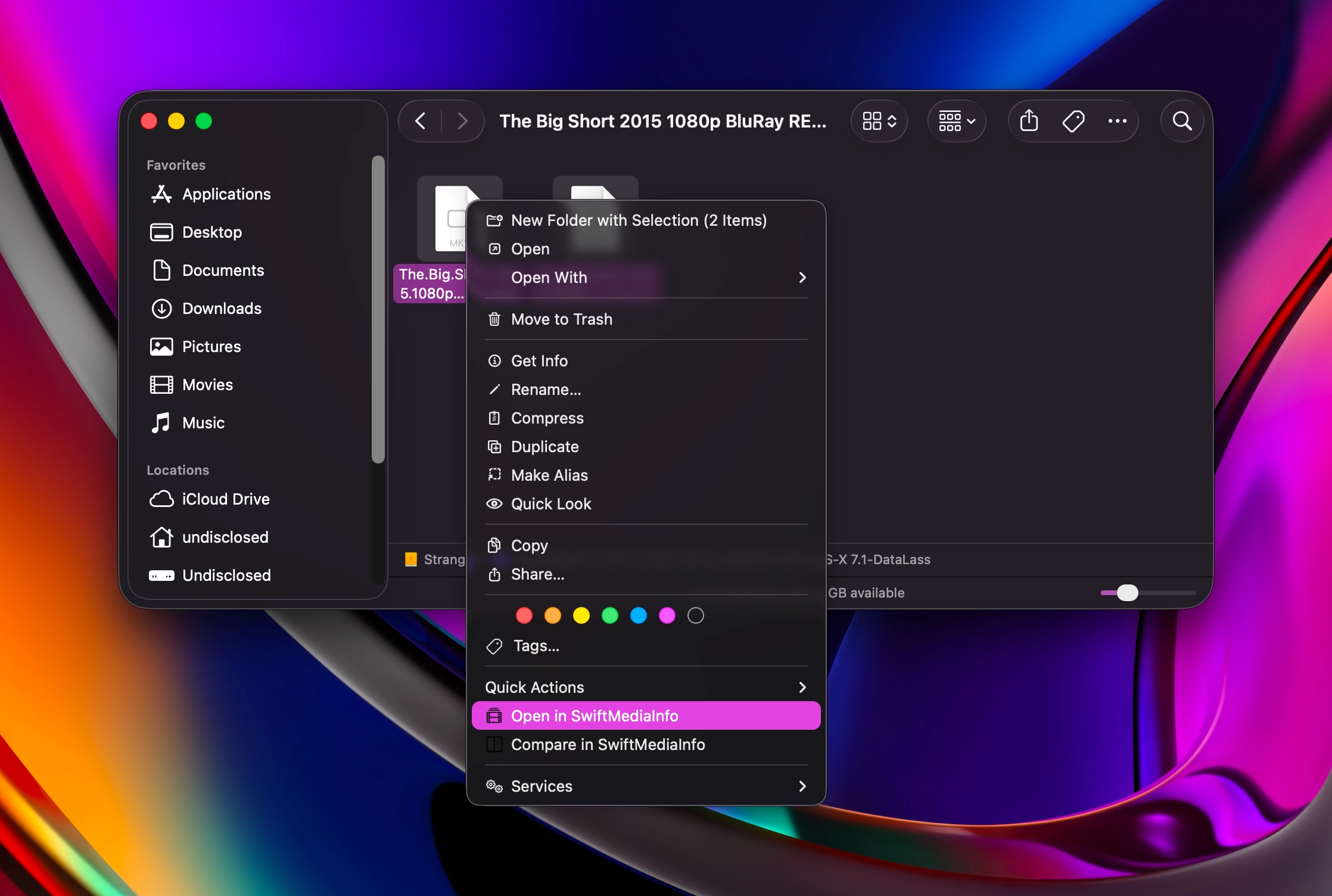
Start from Finder.
Right-click a media file, a folder, or several files at once and open them straight into SwiftMediaInfo — each in a tab of its own, a folder as one tab. Select two files and compare them from the same menu.
The menu is switched on the first time the app opens, so there is no trip to System Settings. Turn it off in the app's settings and it stays off.
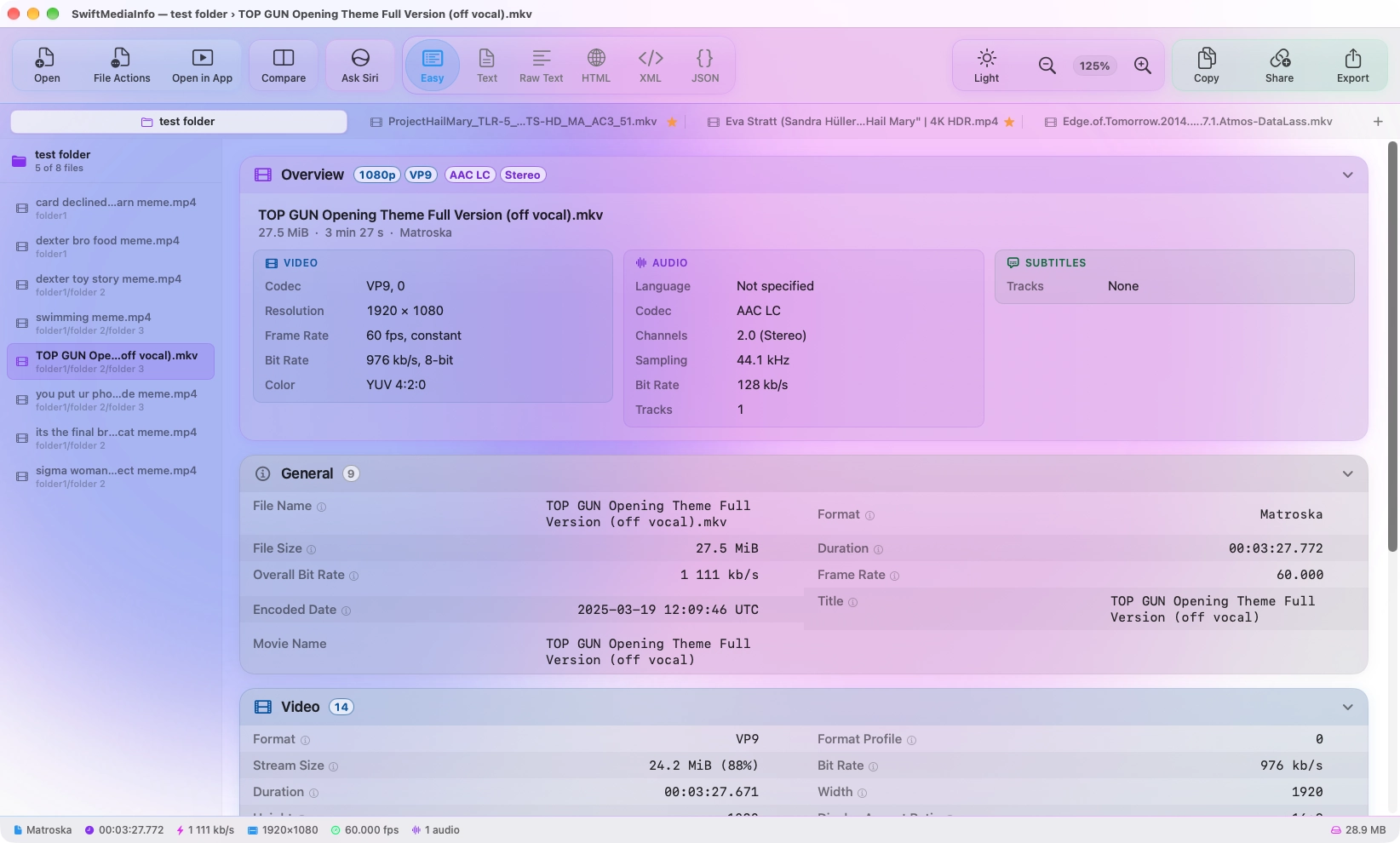
One window, every file.
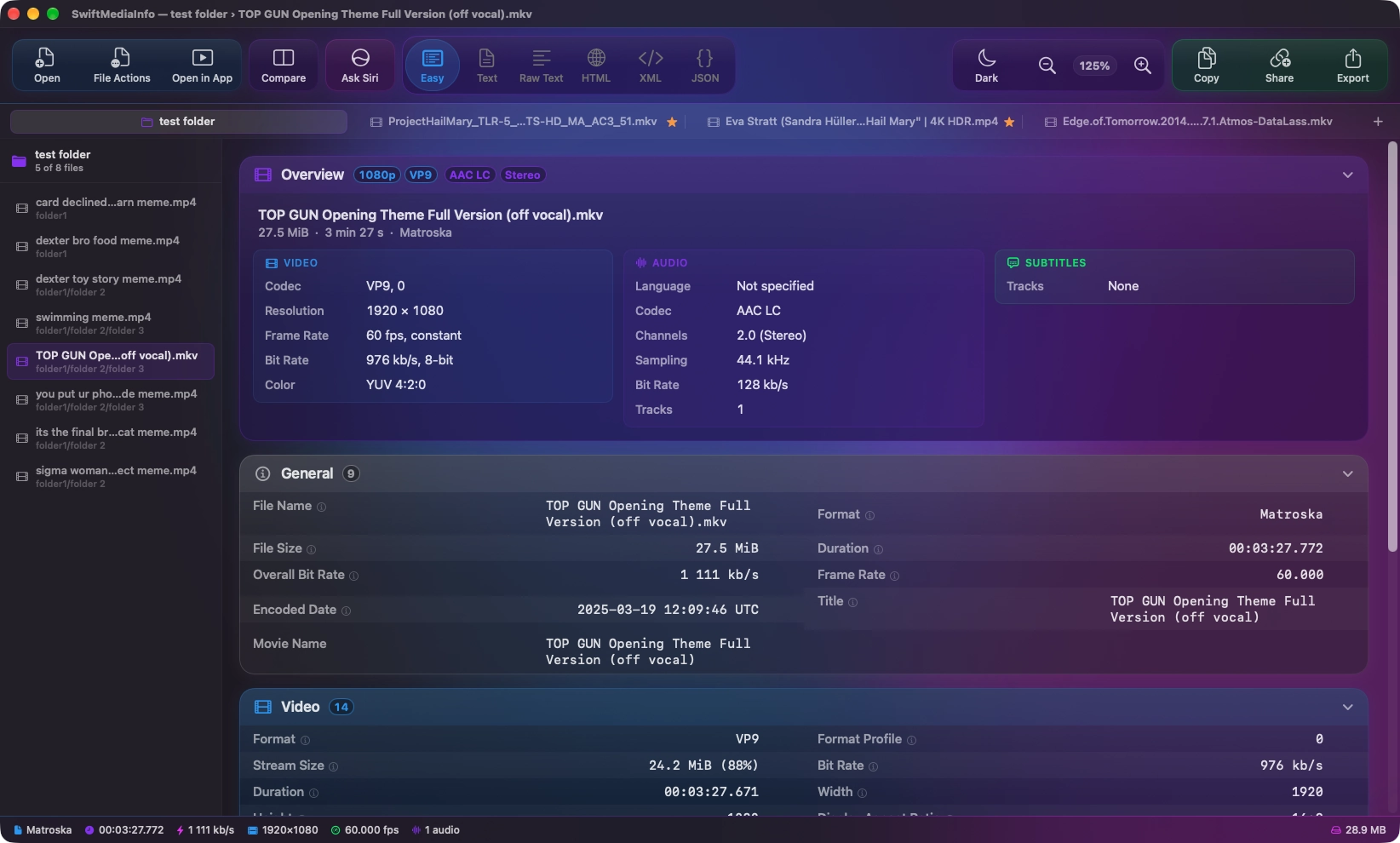
Each file opens in a tab of its own, and a folder opens as one tab, with its media files listed beside the report. Only the file you are looking at is read, so a folder of hundreds opens as quickly as one.
Drag a tab to reorder it, or onto another app to open the file there. Star the ones you come back to, and they stay a click away.
A second opinion.
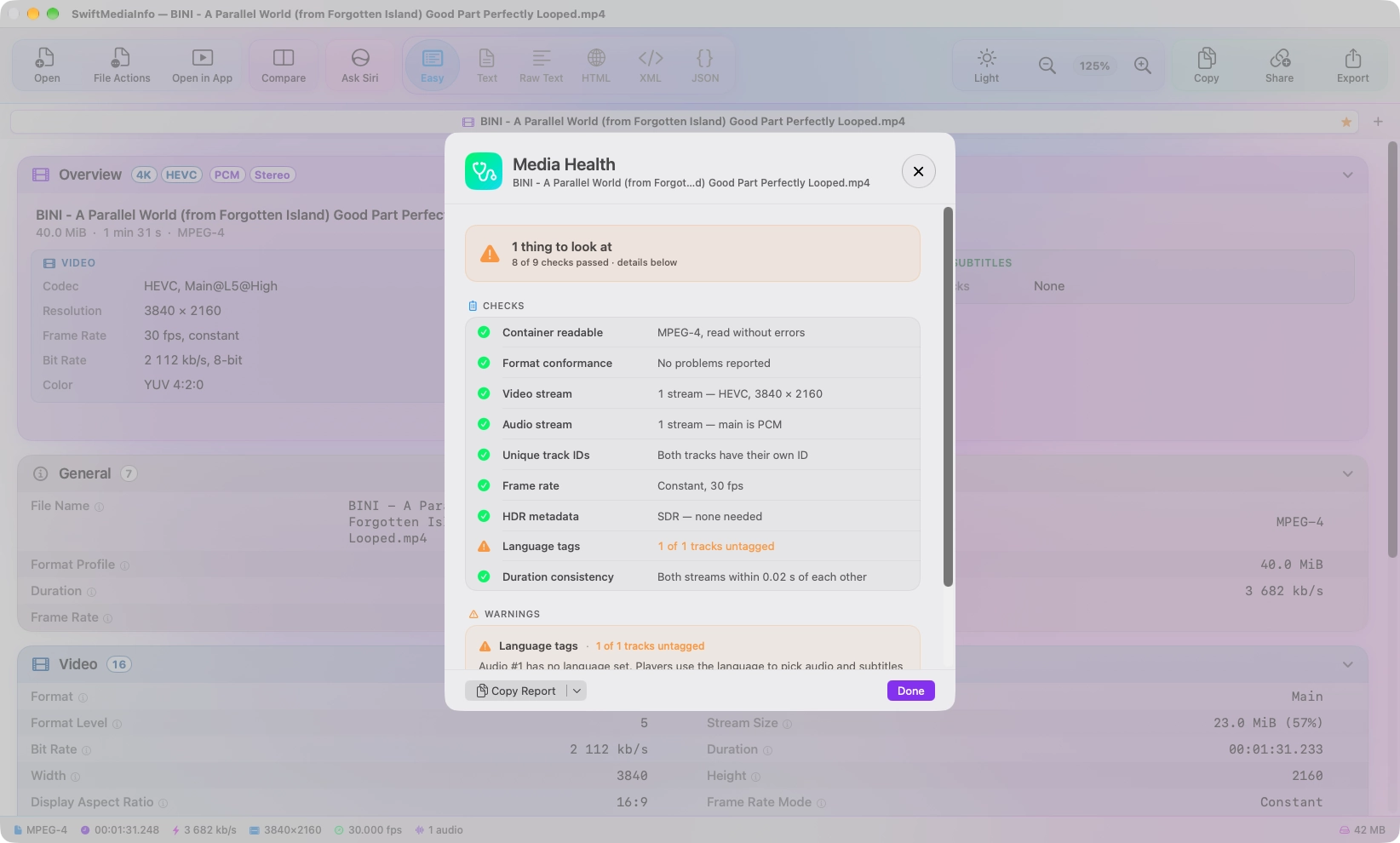
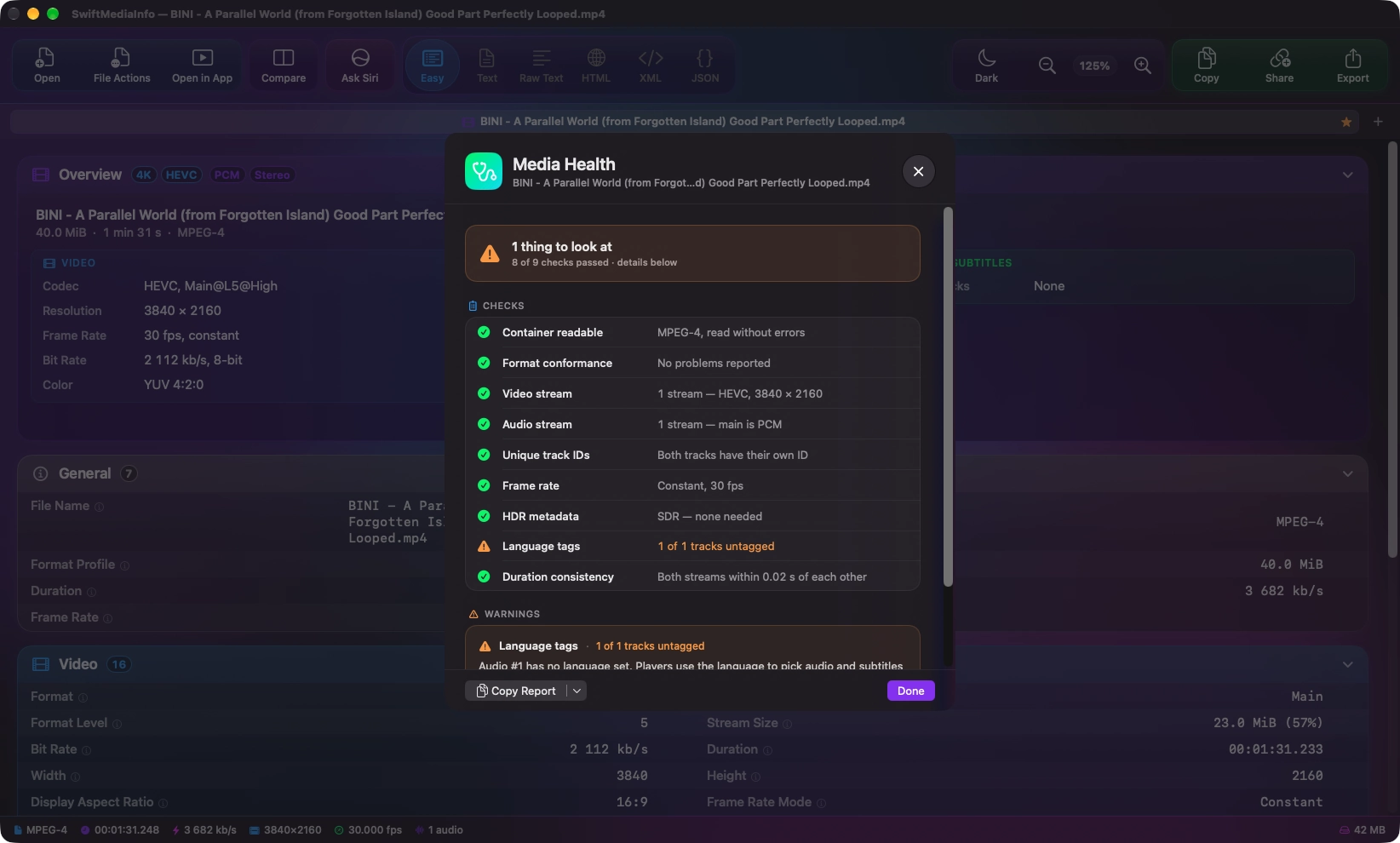
Media Health reads the report the way someone experienced would: missing streams, duplicate track IDs, a variable frame rate, missing HDR metadata, untagged languages, video and audio that end at different times.
Every check is marked, and every warning says what it means and what to do about it. It knows what is normal, too — a song without video is not a problem.
Press Space.
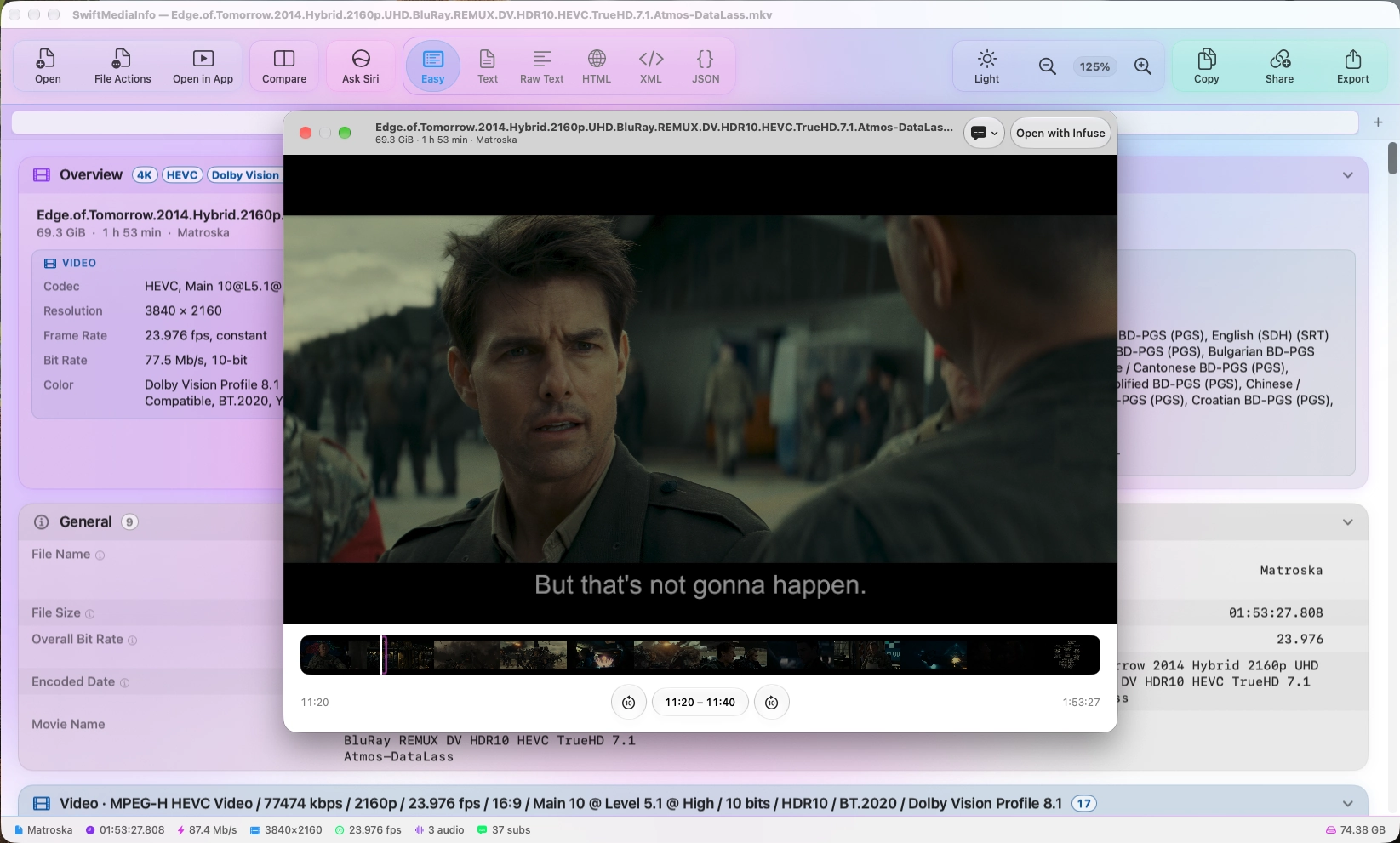
The file you are looking at, playing. What macOS can play opens in Quick Look; MKV and the rest open in SwiftMediaInfo's own preview, as short clips played by macOS's player — 4K, HDR and Dolby Vision included.
Every subtitle track is there, Blu-ray PGS drawn exactly as on the disc, and a filmstrip of the whole file lets you jump anywhere. Your file is never changed: the clips are temporary, and gone the moment the preview closes.
Ask about it.
Not sure what a field means, or which of two copies is the better one? Ask Siri AI. It reads the report — never the file — and answers on your Mac, with Apple's on-device model.
Follow-up questions work the way they should, and nothing is sent anywhere. Siri AI appears on Macs that support Apple Intelligence, running macOS 27 or later.
A report worth sending.
Export a designed PDF, with the overview and a table for every track, or Markdown ready to paste into the pastebin of your choice — alongside Text, Raw Text, HTML, CSV, JSON and XML.
Share an HTML or PDF report as a web page, with one link. Before anything leaves your Mac you see what goes with it, and file paths and the checksum stay out unless you want them in.
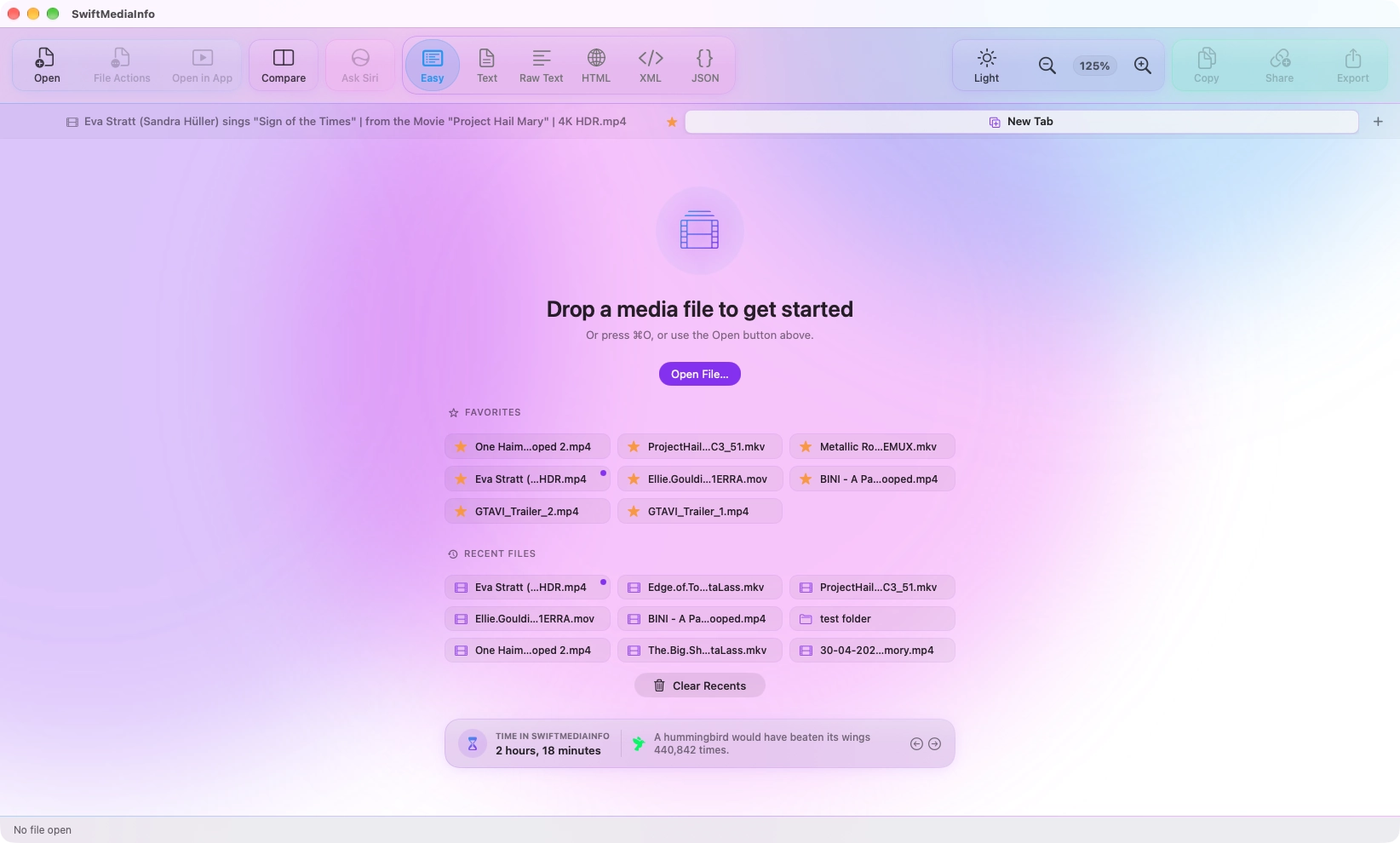
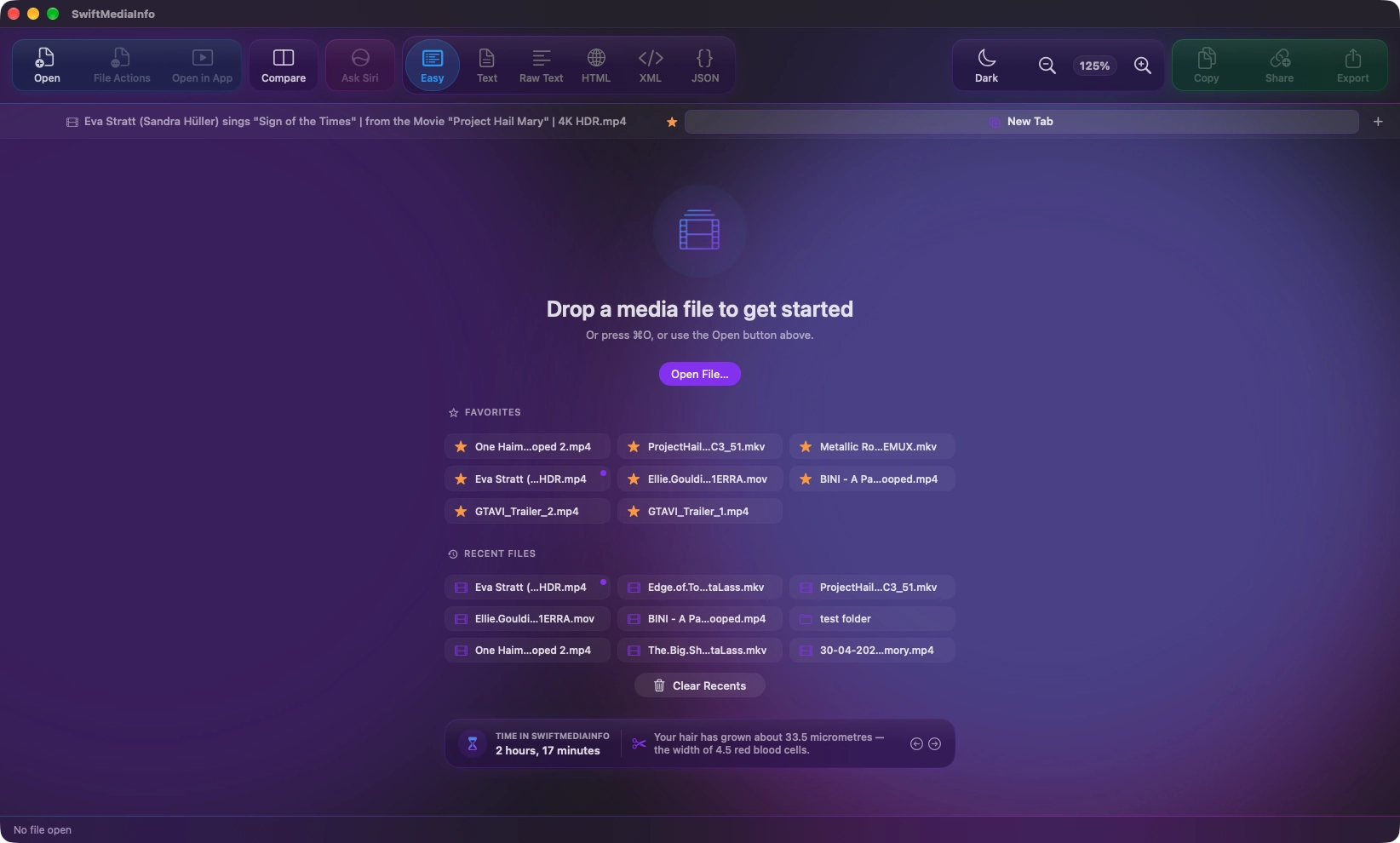
Pick up where you left off.
With nothing open, SwiftMediaInfo shows your favorites and recent files, a click from open — and how long you have spent in the app, with a fact to put it in perspective.
Rather not have either on screen? Both can be hidden in Settings.
Verify what you have.
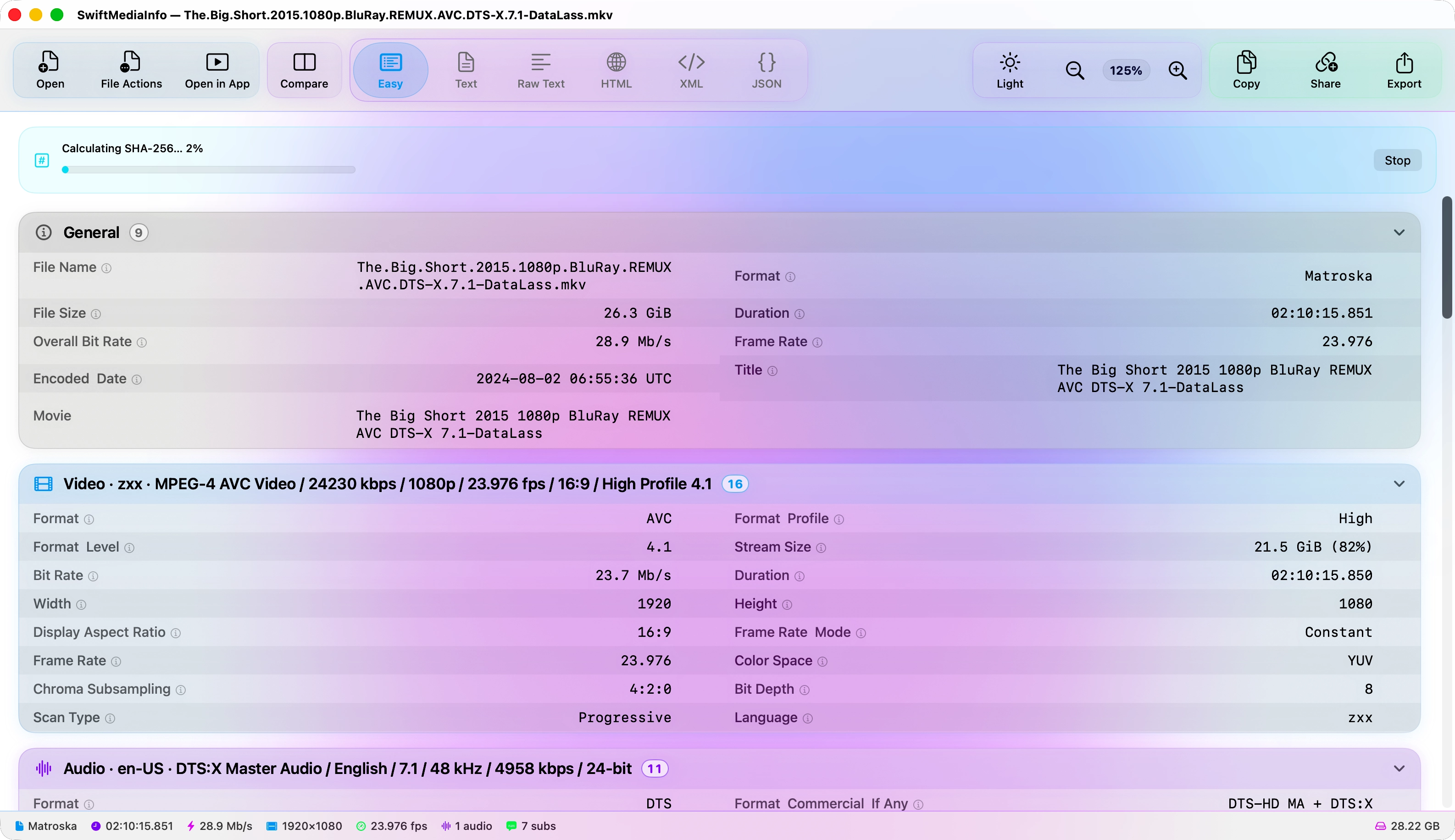
SwiftMediaInfo computes a SHA-256 checksum and includes it in the report, so an archive copy can be checked against the original years later.
Producing a checksum means reading every byte of the file, so SwiftMediaInfo waits until you ask for one. The progress it shows is the work itself, and cancelling stops that work immediately.
A checksum can identify a file, so you decide whether it goes into what you copy, export or share: always, never, or ask each time.
Make it yours.
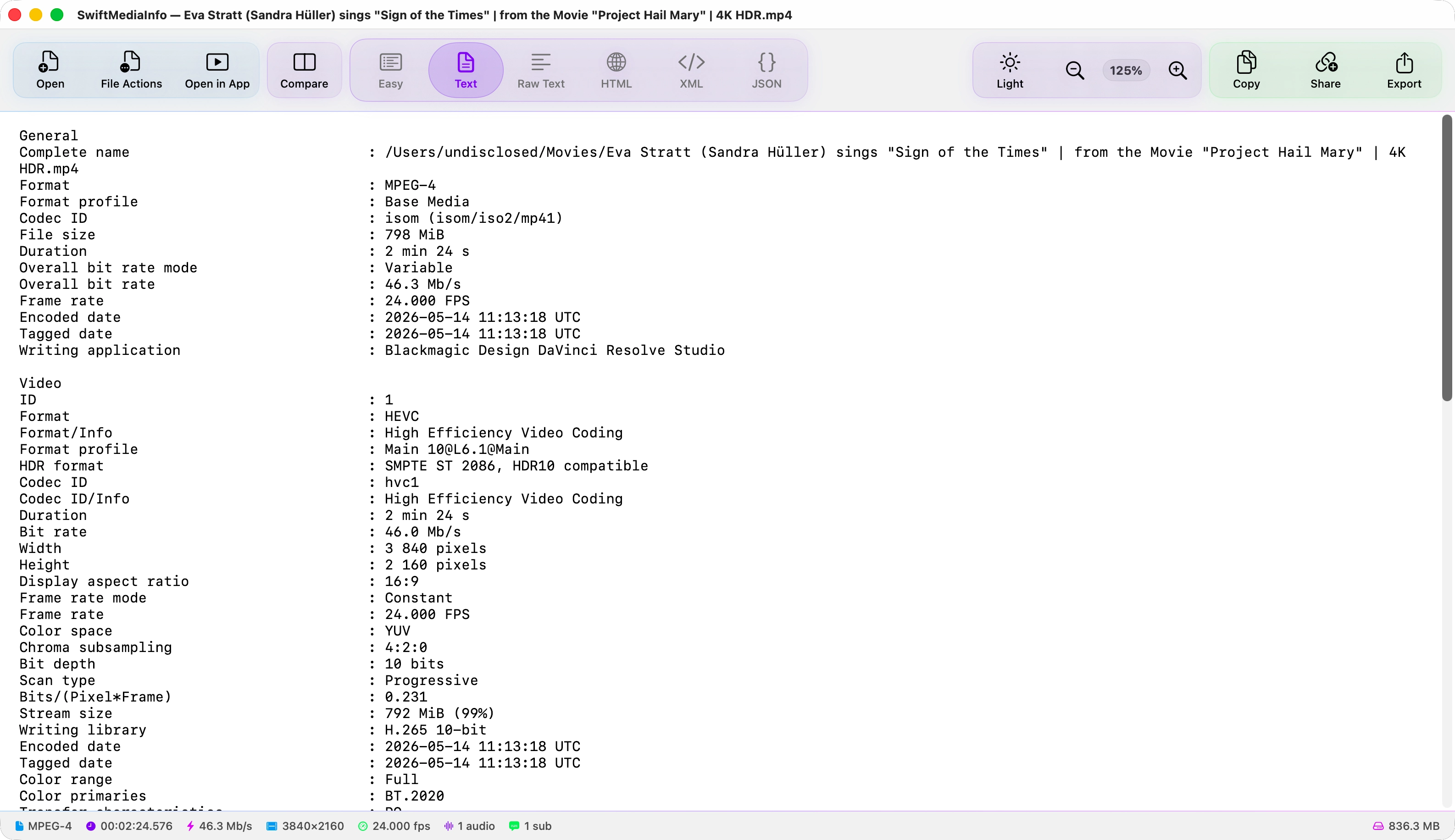
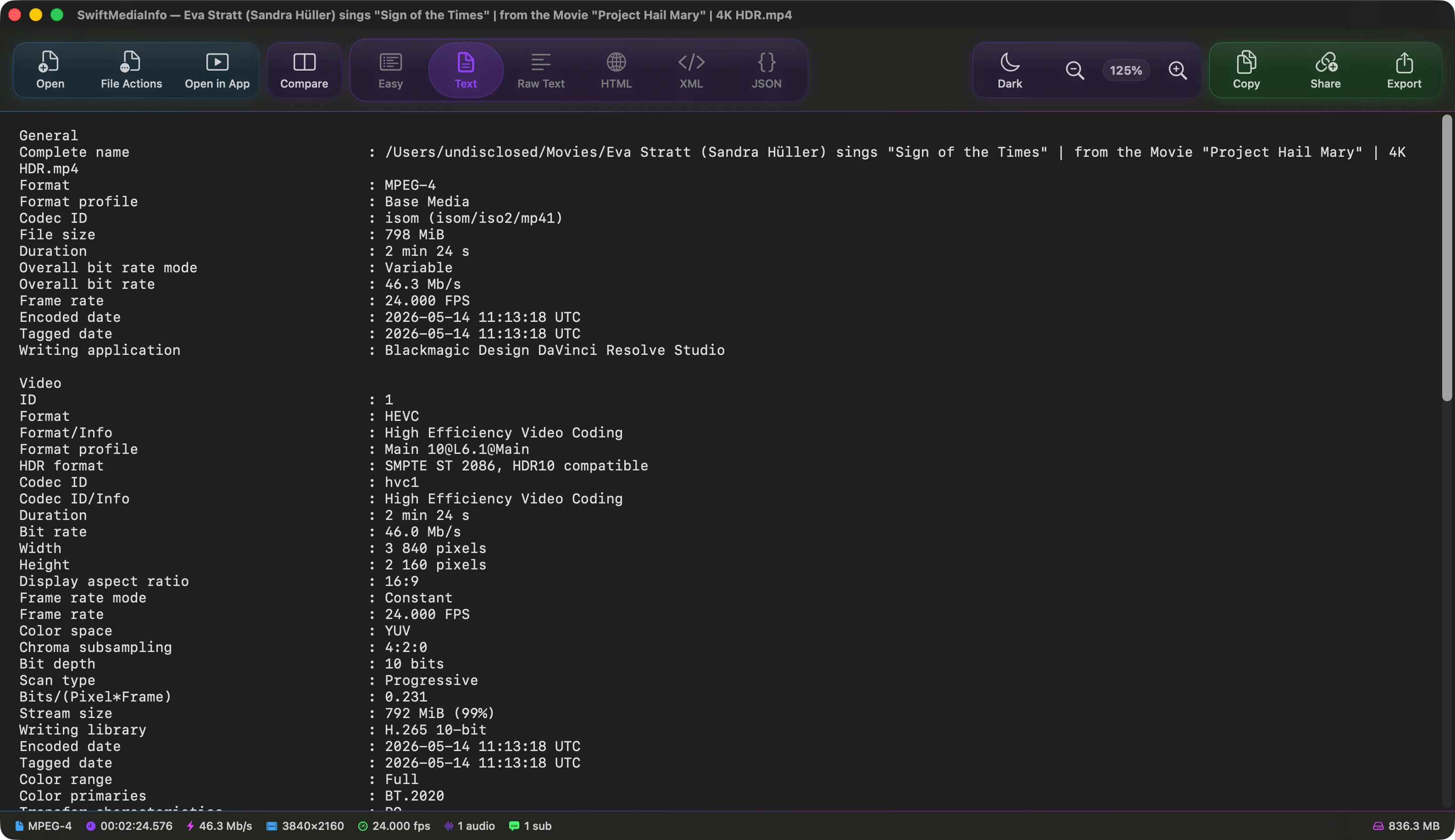
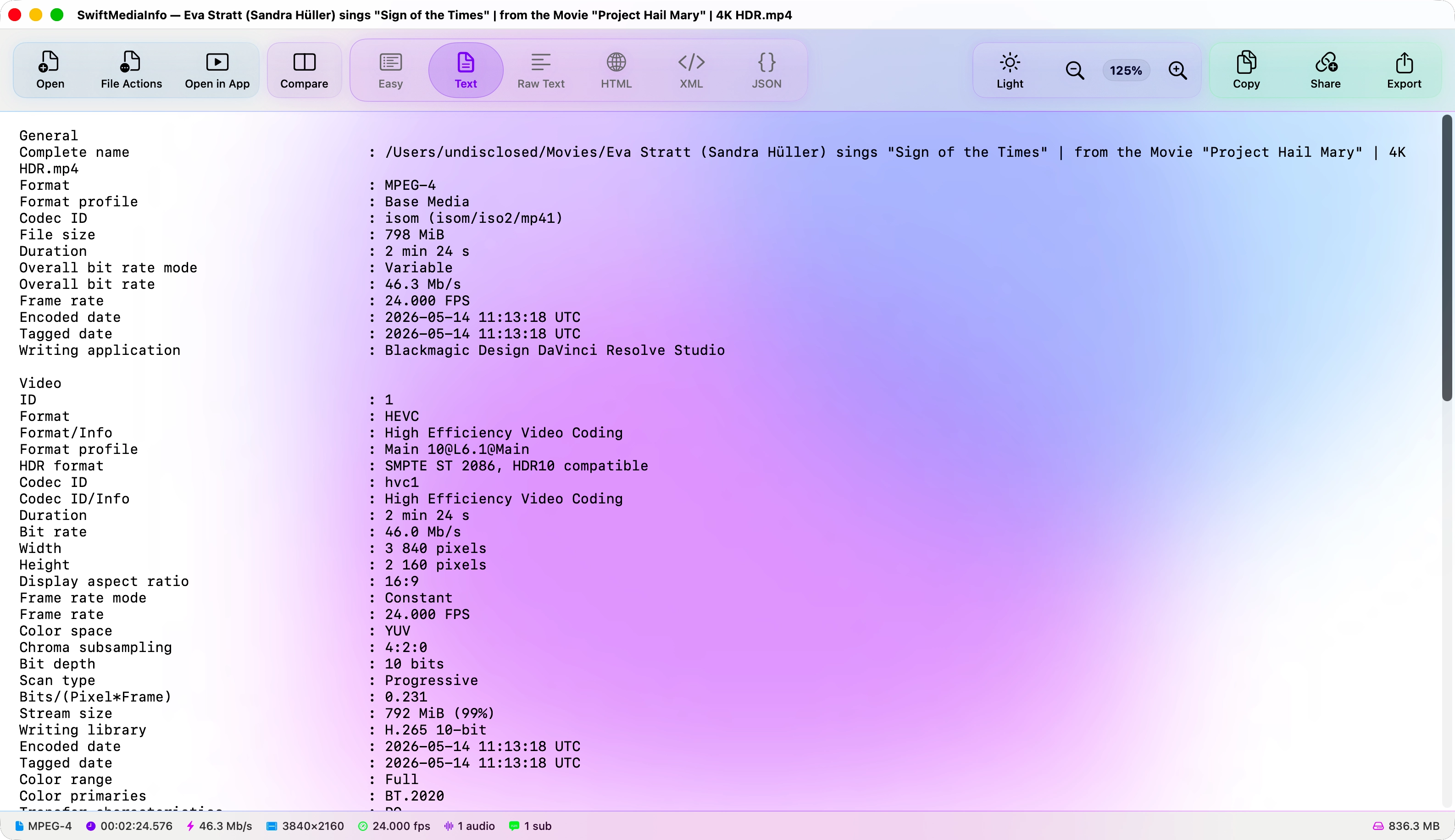
The colour wash behind the glass is built from three shades, and all three are yours to choose. Pick from the palette the app ships with, or set your own.
The default. Drawn once and held still — indistinguishable from Animated at a glance, and free to keep on screen.
Every feature, for everyone.
No tiers, no trial, no purchase. Everything on this page is in the download, and it is released under the MIT licence — so it cannot be put behind a paywall, and it cannot be taken away.
Nothing leaves your Mac
Analysis happens locally, and so does Siri AI. A report is only uploaded if you choose to share it, and you see exactly what is removed before it goes.
Read-only analysis
Reading metadata never alters a file. Renaming and moving to the Trash happen only when you ask for them.
Open to audit
Every line is public. You do not have to take any of this on trust.
Requirements
- macOS
- 26.0 or later
- Architecture
- Apple silicon
- Dependency
- mediainfo (installed for you)
- Optional
- ffmpeg, for previews (installed for you)
- Siri AI
- Apple Intelligence, macOS 27 or later
- Licence
- MIT
- Price
- Free, permanently